Best Free Design Software for Students
School runs on design work: club posters, pitch decks, UI mockups for a course project, a portfolio before you graduate. Every pick here has a real free tier or a verified student plan, and we say which is which. Figma, Framer, and Sketch give verified students their paid plans free; Photopea, Microsoft Designer, and Adobe Express need no student verification at all; Adobe Creative Cloud is the one paid entry, discounted for students rather than free. We note the gotchas too, like Canva's free education program covering only K-12, not college. Where a number couldn't be confirmed, the listing says so instead of guessing.
2 of these 9 deals were confirmed on the company's own page; the rest are marked Not yet verified. Catalog last changed 2026-09-07 · how we verify.
| Tool | Student deal | Verified |
|---|---|---|
| Figma | Free Pro for verified students | Not yet verified |
| Canva | Free tier + Pro trial | Not yet verified |
| Photopea | Free Photoshop alternative | Not yet verified |
| Adobe Express | Generous free tier | Not yet verified |
| Sketch | Free for students and educators | Verified |
| Framer | Basic plan free for students | Not yet verified |
| Microsoft Designer | Free with any Microsoft account | Not yet verified |
| Leonardo AI | Generous free tier | Not yet verified |
| Adobe Creative Cloud | 71% off first year for students | Verified |
Figma Best for UI design and prototyping
Verified higher-ed students get the full Professional plan free for a year, renewable while eligible, and there's a free Starter tier for interface design, prototyping, and FigJam whiteboards even without student status.
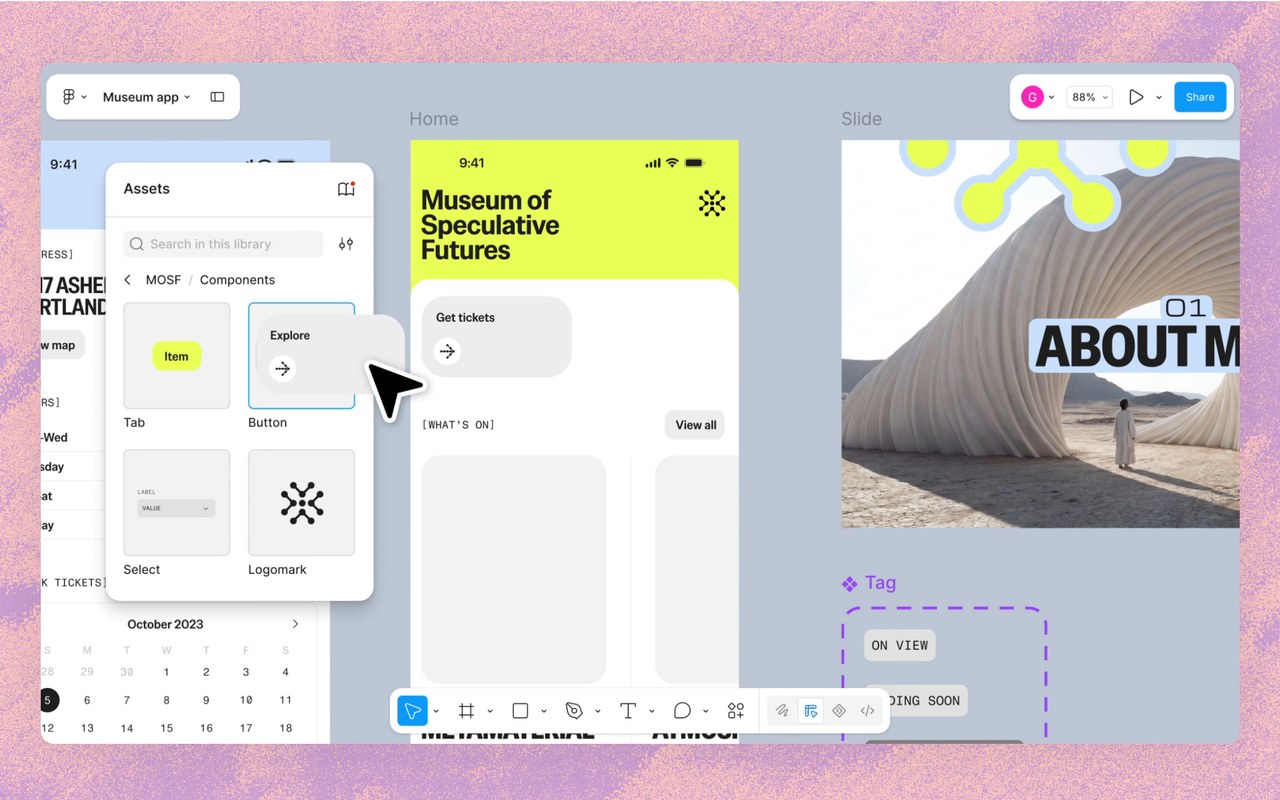
CEO Dylan Field dropped out of Brown on a $100K Thiel Fellowship to build it with a classmate.
Interface design and prototyping tool with FigJam whiteboards, free Starter tier, Pro free for a year for students
- Student deal: verified higher-ed students & educators get the full Professional plan free for 1 year from approval, renewable while eligible — apply with a school email and proof of enrollment
- Free Starter tier (no student status needed): 3 Figma Design + 3 FigJam files, 1 project, unlimited personal drafts, up to 2 editors/file, 30-day version history
- Paid Professional (non-students): $20/mo per full seat billed monthly, or $16/mo billed annually — check their site to confirm
Canva Best for template-based posters and decks
The free tier covers thousands of templates and basic AI design tools for posters, decks, and social posts, with a 30-day Pro trial — just know Canva's free education program covers K-12 only, not college.
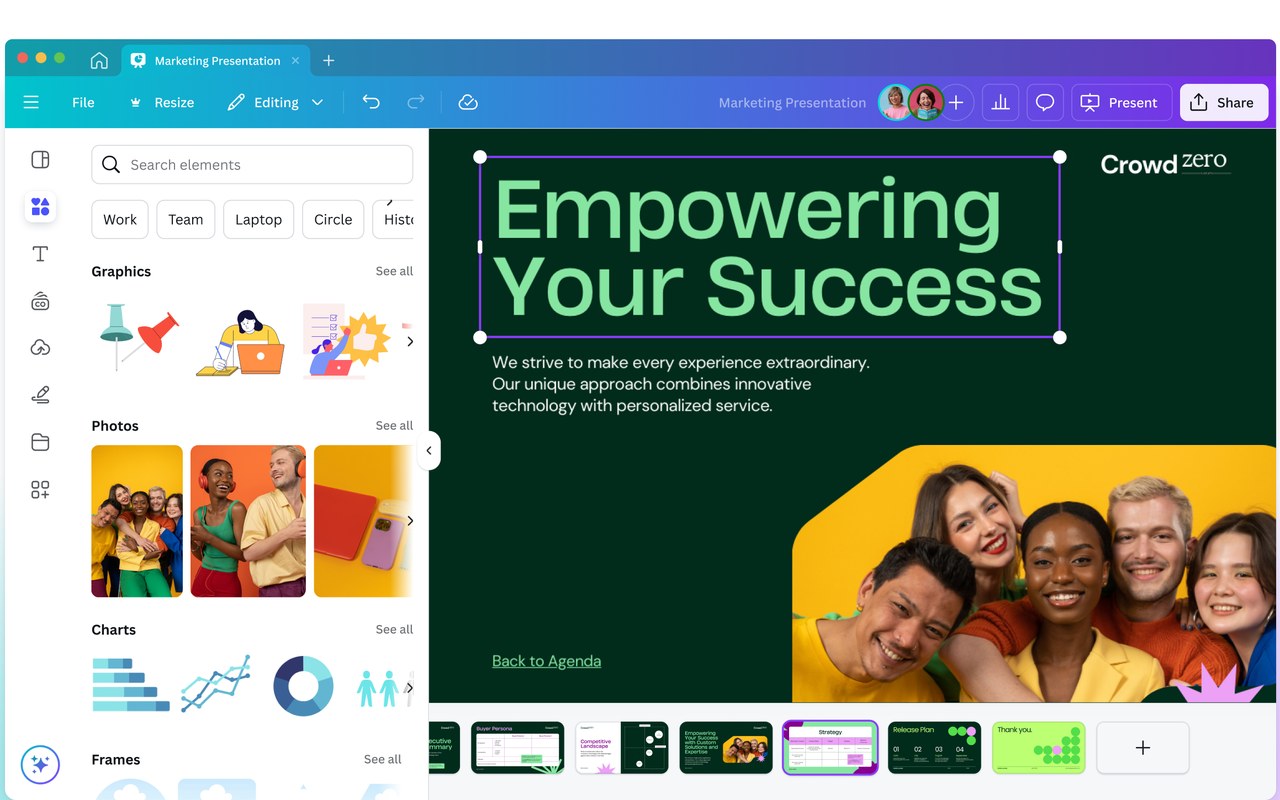
Template-based design app for posters, decks and social posts with AI tools, free tier plus a 30-day Pro trial
- Free: thousands of templates and basic AI design tools
- Pro: premium assets, background remover, brand kits, and more AI credits
- 30-day free trial of Pro
Photopea Best for editing PSD files without Photoshop
It opens and edits PSD files in the browser with the full pro toolset free and no account required; the free version is ad-supported, and the $5/month Premium only removes the ads.
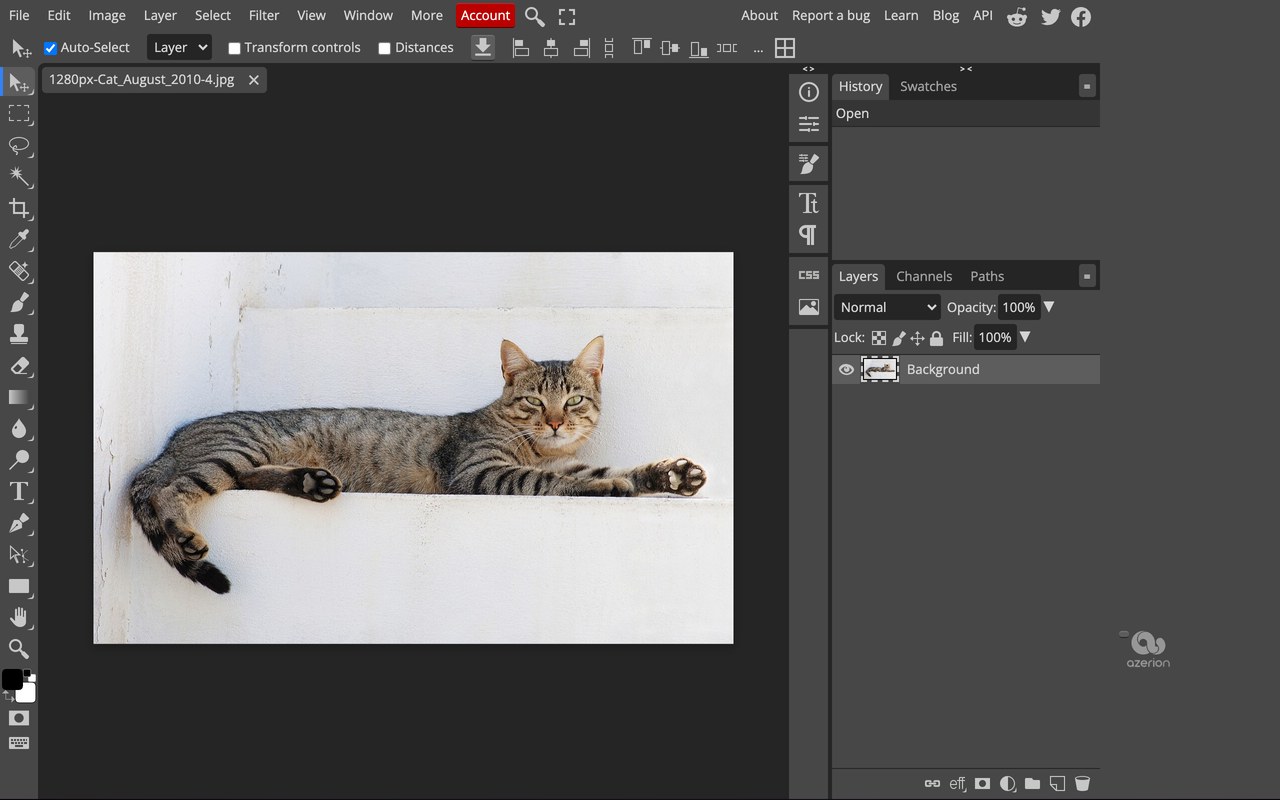
Browser photo editor that opens and edits PSD files, free and ad-supported, with $5/mo only to drop the ads
- Free forever: full editor with layers, masks, vector tools, 40+ file formats including PSD, plus AI background removal, all in the browser with no account required.
- The free version is ad-supported; ads are the main limitation.
- Premium removes ads for $5/month (~$50/year); per Photopea's official blog it adds no extra features and mainly supports development.
Adobe Express Best for quick flyers and short videos
The ongoing free plan needs no card and includes 100,000+ templates, basic photo, design, and video editing, and 5GB of storage, though some exports carry a watermark.
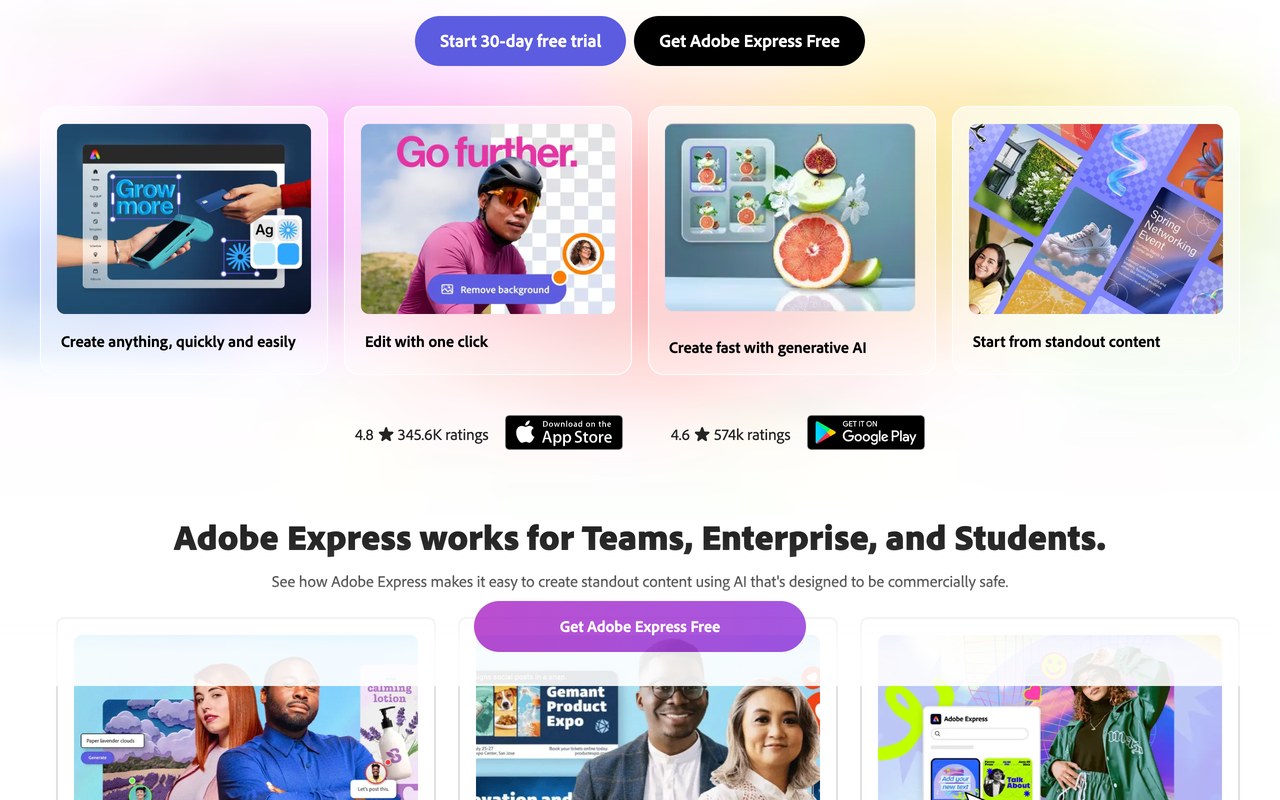
Browser and mobile design app for quick graphics, flyers and short videos, free plan with 5GB, some exports watermarked
- Free plan (ongoing, no card needed): 100,000+ templates, 1M+ stock assets, 4,000+ fonts, basic photo/design/video editing, 5GB storage, and ~25 generative AI credits/month
- Free-plan limits: watermark on some exports, 300MB upload cap, and premium templates/assets locked
- Premium is ~$9.99/mo or ~$99.99/yr (100GB storage, 250 AI credits/mo) — check their site as Adobe pricing shifts
Sketch Best for Mac-native UI design
Students and educators get a free Workspace for one year — regular price $12/month per editor — covering the Mac app, web app, and iPhone preview app; a Mac is required for design work.
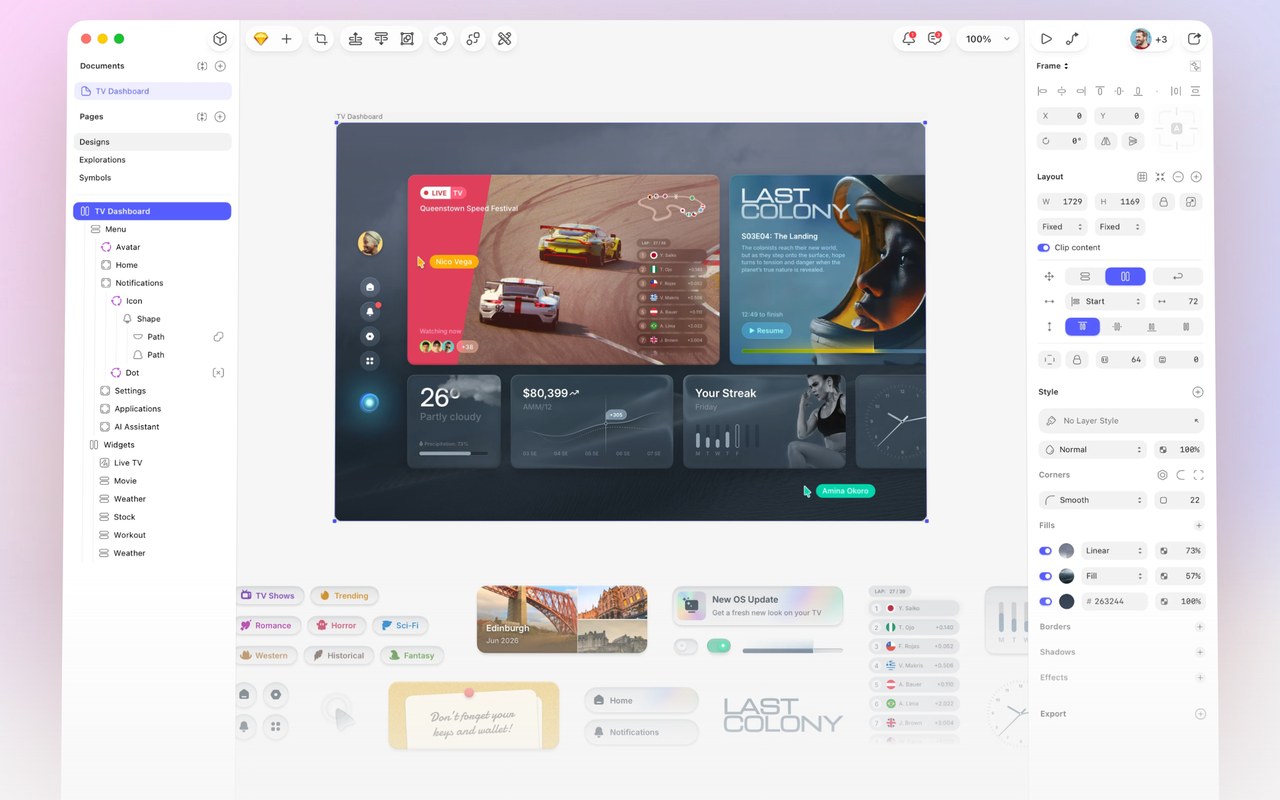
Mac-native UI design app with a web app for sharing, free Workspace for a year for students and educators
- A free Workspace for one year, covering the Mac app, web app, and iPhone preview app
- Eligibility: students 16+ at a college, university, high school, or an online course of at least 2 months; teachers with proof of employment. Self-education doesn't qualify
- Verification: upload a PDF proving enrollment or employment (school ID, tuition receipt, or enrollment document)
Framer Best for publishing a live website
The free plan hosts a real site on a Framer subdomain, and verified students get the Basic plan free with a custom domain and CMS, renewable every 11 months while enrolled.
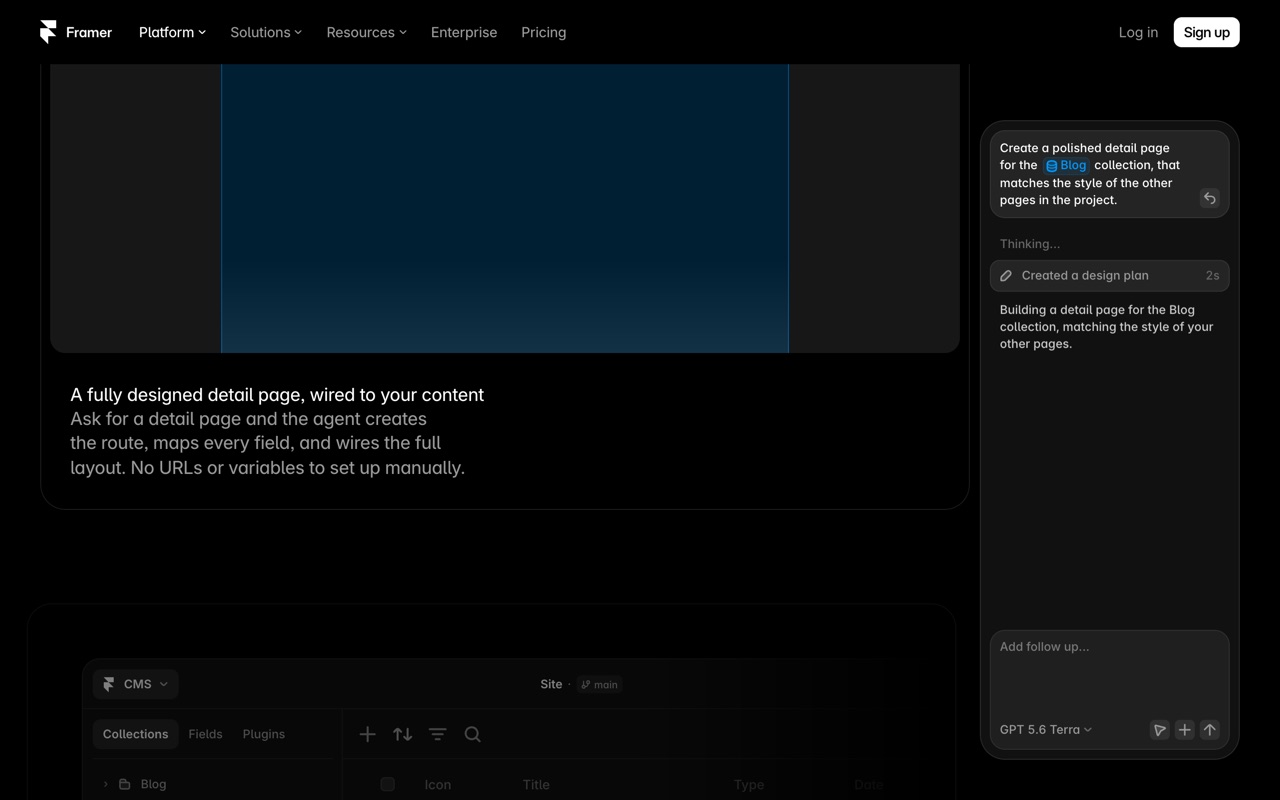
No-code site builder that publishes a live site from the design canvas, free on a subdomain, Basic free for students
- Free plan ($0): 1,000 pages, 10 CMS collections, up to 3 editors, 1 GB bandwidth, hosted on a free Framer subdomain with a Framer badge; 500 AI credits/mo
- Free plan has no custom domain (a paid plan is required for that)
- Paid: Basic ~$10/mo, Pro ~$30/mo (rates shown are for annual billing; monthly billing is higher — check their site)
Microsoft Designer Best for watermark-free AI graphics
It's free with any Microsoft account, with roughly 15 AI credits a month for DALL-E 3 image generation, and free exports carry no watermark, unlike many competitors.
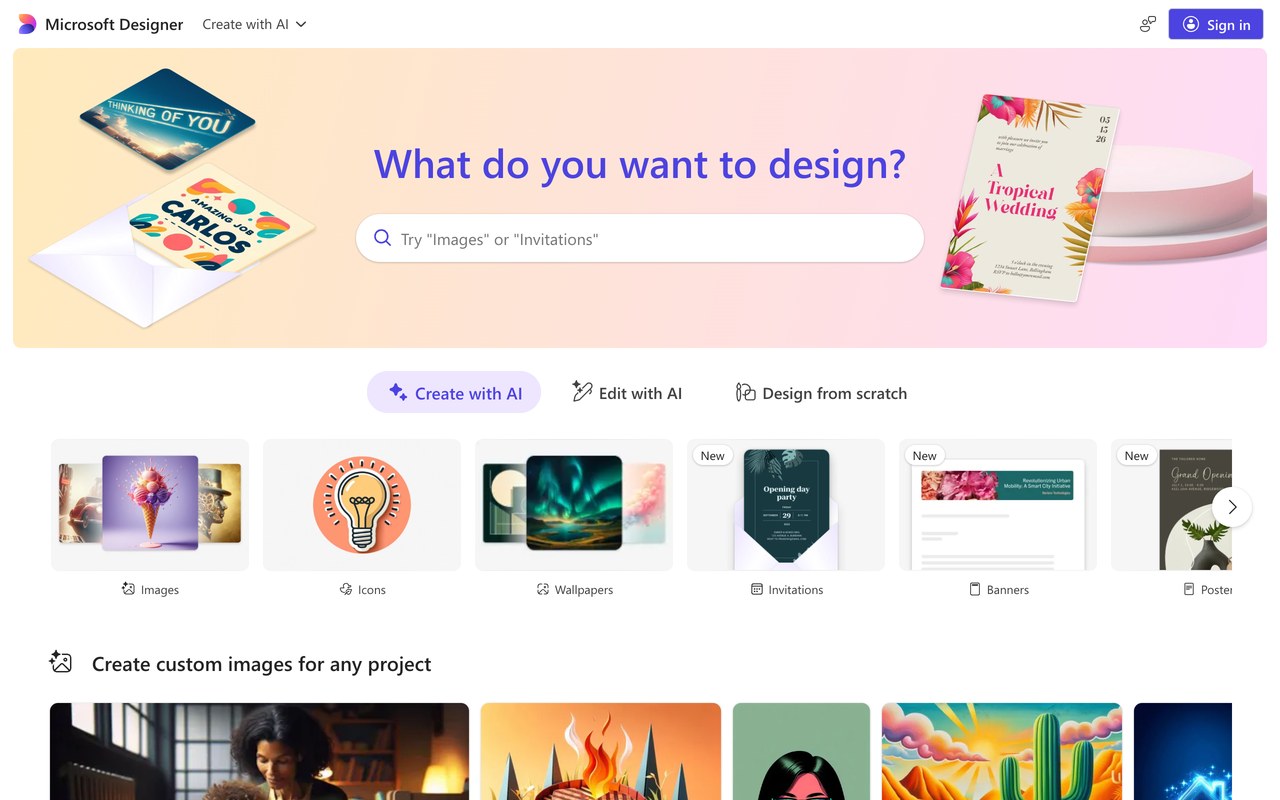
AI graphic maker for social posts and invites using DALL-E 3, free with a Microsoft account, no export watermark
- Free tier: sign in with any Microsoft account; free accounts get ~15 AI credits/month for image generation and AI edits (credits reportedly don't roll over) - check their site
- Free exports carry no watermark, unlike many competitors
- Templates plus DALL-E 3-powered image generation and layout tools
Leonardo AI Best for concept art and moodboards
The free plan gives 150 fast tokens a day with no card required — enough for mockups, moodboards, and concept art — but free generations are public in the community feed, not private.
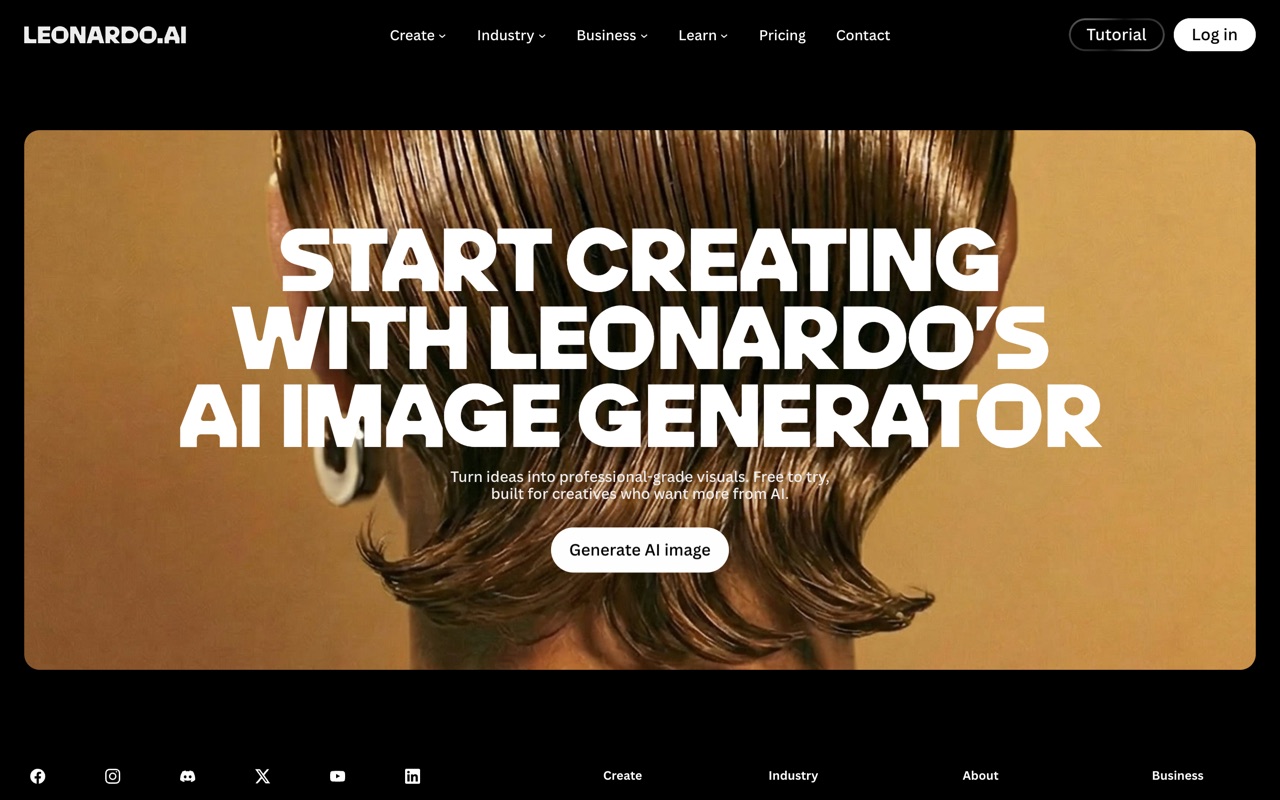
AI image generator for mockups, moodboards and concept art, free at 150 tokens a day but results stay public
- Free plan: 150 fast tokens/day, reset daily with no rollover (enough for roughly 30+ images, varies by model and resolution)
- Free generations are public in the community feed - not private
- Paid plans: $12/mo ($10/mo billed annually), plus $30/mo and $60/mo tiers
Adobe Creative Cloud Best for the full professional suite
The student plan cuts 20+ apps including Photoshop, Illustrator, and Premiere to $19.99/month for the first year, then $39.99/month against a regular $69.99/month — the one pick here that isn't free.
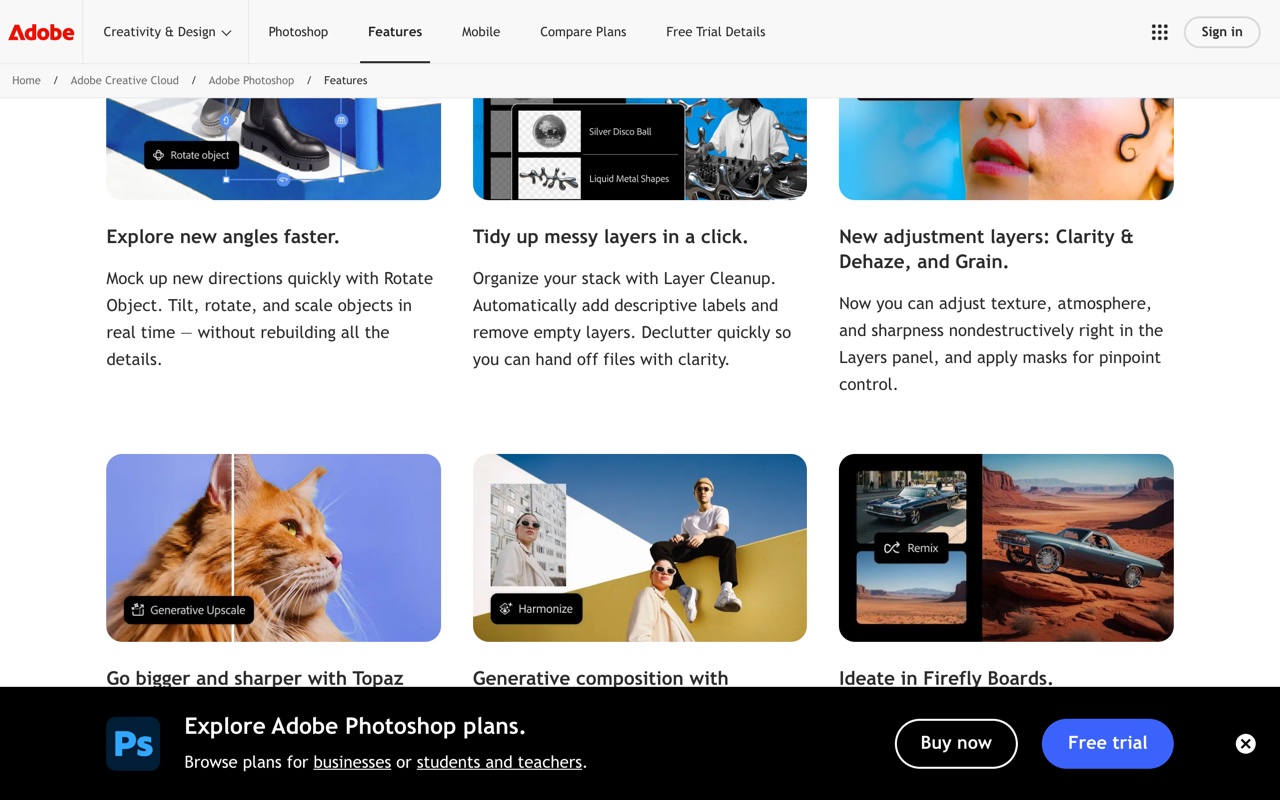
Creative software suite of 20+ apps including Photoshop, Illustrator and Premiere, $19.99/mo for students in year one
- 20+ apps: Photoshop, Illustrator, Adobe Premiere, InDesign, Lightroom, Acrobat Pro, Adobe Express and more, plus Adobe Fonts and the free Adobe Stock collection
- Firefly AI: unlimited standard image and vector generation, plus 4,000 monthly generative credits for premium video and audio features
- $19.99/mo is an annual plan for the first year; it renews at $39.99/mo after that — set a reminder to re-evaluate at renewal
The rest of the catalog
Those are the 9 picks for this list. The full catalog runs to 68 deals across coding, writing, research, studying, design, and productivity.