Student discounts without a .edu email
Most student discounts gate on a school email, which leaves you out if your school doesn't issue one or you're studying outside the US. Every tool on this page works without a .edu address. For most of them, the free tier is the actual product: Photopea, Semantic Scholar, Goblin.tools, and Obsidian have no paywalled core at all. When a discount does need student verification, like LanguageTool's, it runs through services such as UNiDAYS or SheerID rather than a school-email check. Where a number is unofficial or only appears in third-party sources, the listing says so instead of presenting it as confirmed.
None of these deals has been through our official-page check yet — each is marked Not yet verified below. Catalog last changed 2026-09-07 · how we verify.
| Tool | Student deal | Verified |
|---|---|---|
| Goblin.tools | Completely free, no account needed | Not yet verified |
| Photopea | Free Photoshop alternative | Not yet verified |
| Hemingway Editor | Genuine free web editor | Not yet verified |
| Microsoft Designer | Free with any Microsoft account | Not yet verified |
| LanguageTool | Generous free tier | Not yet verified |
| Semantic Scholar | Completely free, no paywall | Not yet verified |
| Obsidian | Free, no limits | Not yet verified |
| Microsoft Copilot | Genuine free tier | Not yet verified |
| Bolt.new | Generous free tier | Not yet verified |
| Windsurf | Generous free tier | Not yet verified |
Goblin.tools Best for breaking assignments into steps
Every tool on the site, Magic ToDo and Formalizer included, is free on the web with no account, no paywall, and no usage limits, and it is popular with ADHD and neurodivergent students for turning overwhelming tasks into small steps.
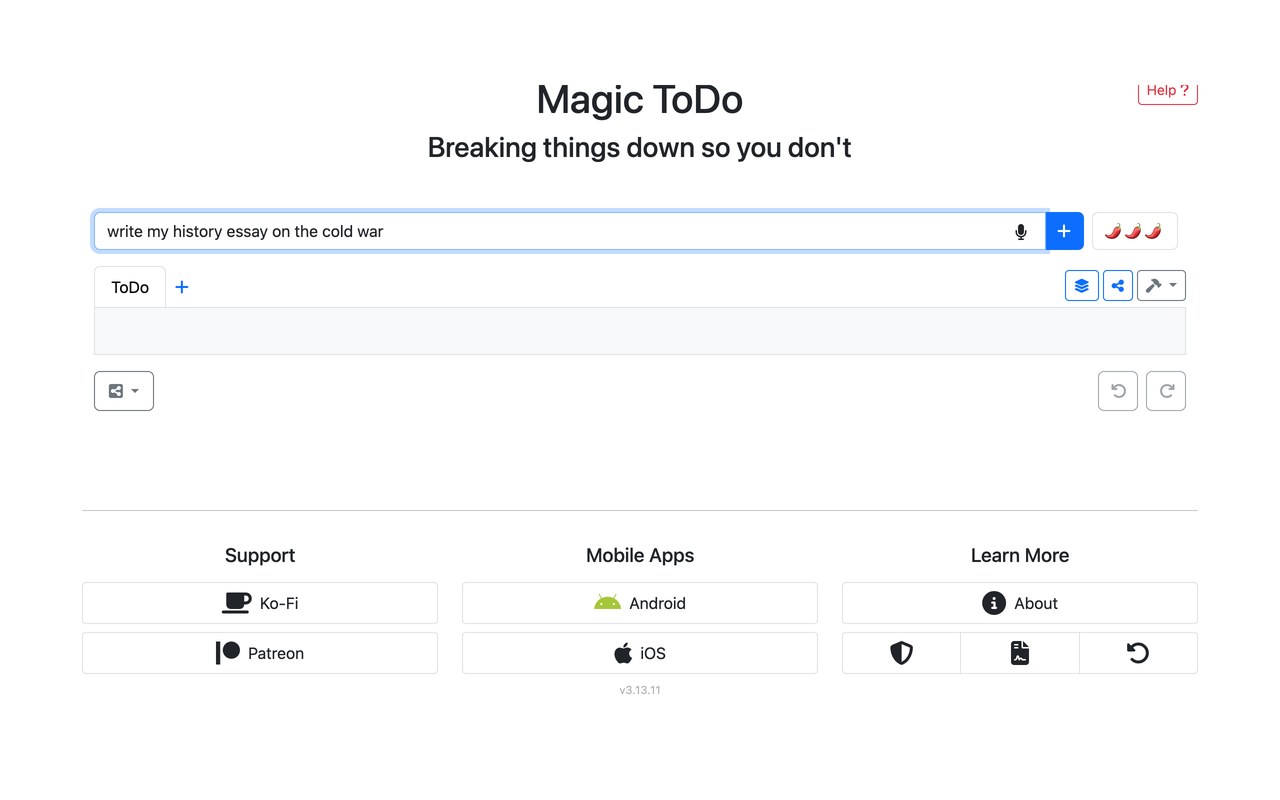
Set of small AI helpers that split big assignments into steps and reword messages, free on the web with no account.
- Web version is fully free: every tool (Magic ToDo, Formalizer, Judge, Estimator, Professor, Consultant, Compiler, Chef, etc.) with no account and no paywall
- No usage limits or personal details required to use the site; kept free by sponsors and ad-free
- Optional iOS/Android apps are a one-time purchase (~$2.99 on the App Store; price varies by store/region — check their site) that funds the free website
Photopea Best for Photoshop-style editing in a browser
You get layers, masks, vector tools, and PSD support free in the browser with no account needed, and the $5/month Premium only removes ads rather than unlocking features.
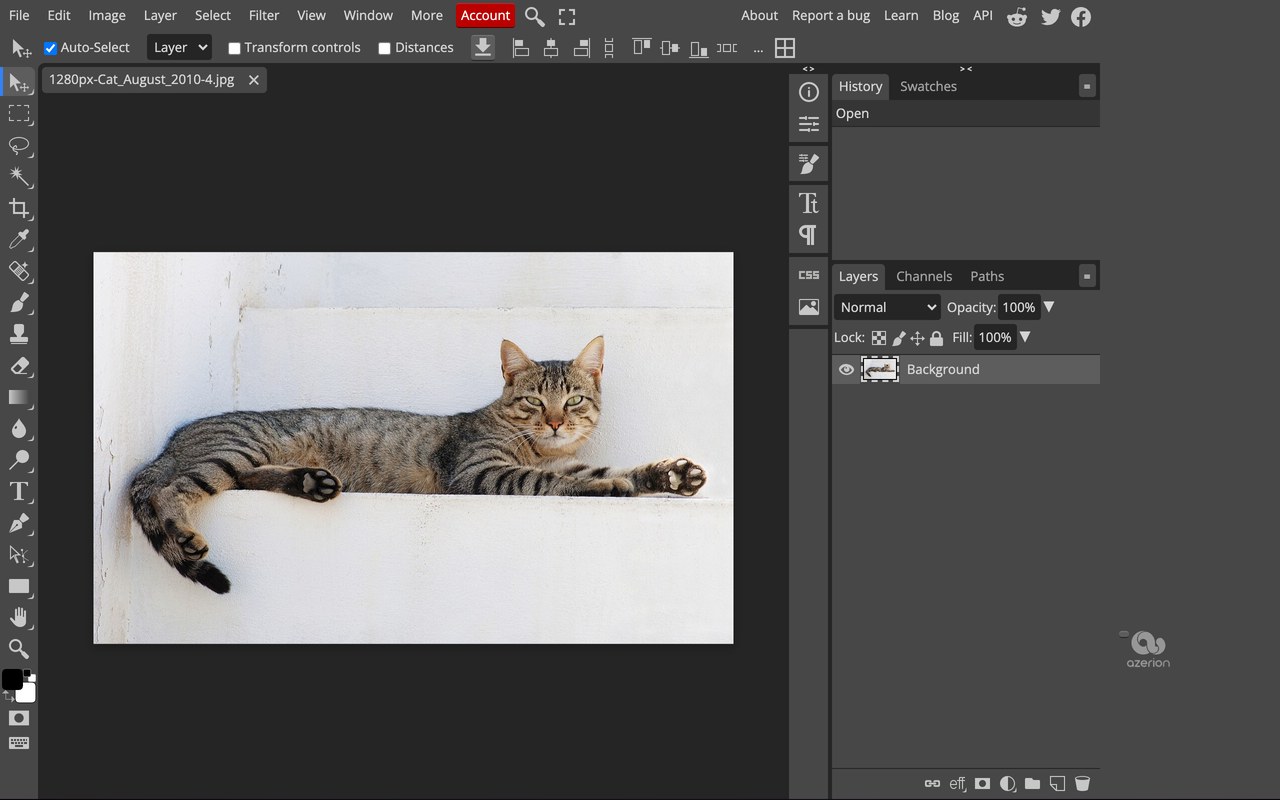
Browser photo editor that opens and edits PSD files, free and ad-supported, with $5/mo only to drop the ads
- Free forever: full editor with layers, masks, vector tools, 40+ file formats including PSD, plus AI background removal, all in the browser with no account required.
- The free version is ad-supported; ads are the main limitation.
- Premium removes ads for $5/month (~$50/year); per Photopea's official blog it adds no extra features and mainly supports development.
Hemingway Editor Best for tightening dense prose
The free web app needs no login and grades readability while highlighting dense sentences, passive voice, and adverbs; it flags problems only, with AI rewrites reserved for the $10/month Plus plan.
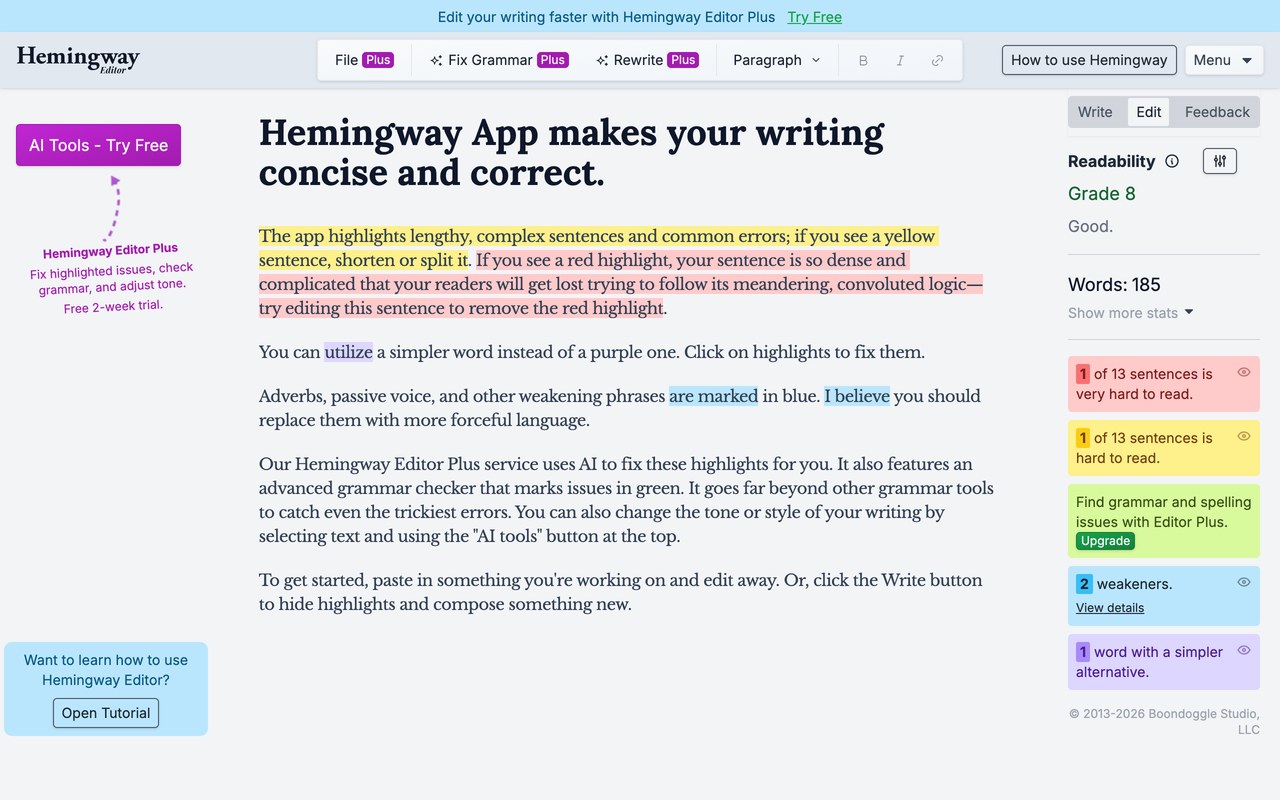
Readability editor that highlights dense sentences, passive voice and adverbs, free in the browser with no login.
- Free web app (no login): paste text for a readability grade plus highlights for dense sentences, passive voice, adverbs, and simpler-word swaps
- Free tier flags problems but does not auto-fix or rewrite them
- Editor Plus adds AI rewrites, grammar checking, and 5,000 AI sentences/mo: $10/mo or $100/yr ($8.33/mo); a 10K-sentence tier runs $12.50/mo
Microsoft Designer Best for AI-generated graphics
It runs on any Microsoft account, not just a school one, generates images with DALL-E 3 on roughly 15 free AI credits a month, and its free exports carry no watermark.
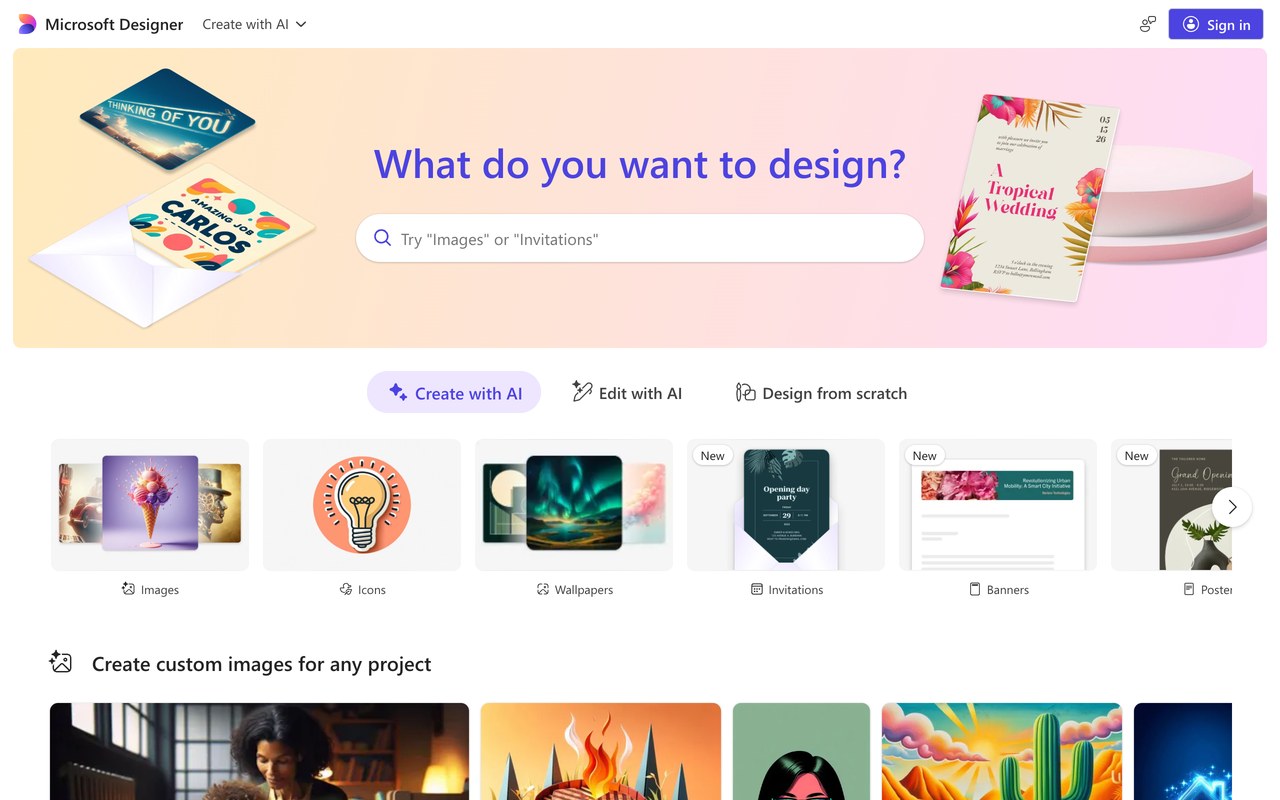
AI graphic maker for social posts and invites using DALL-E 3, free with a Microsoft account, no export watermark
- Free tier: sign in with any Microsoft account; free accounts get ~15 AI credits/month for image generation and AI edits (credits reportedly don't roll over) - check their site
- Free exports carry no watermark, unlike many competitors
- Templates plus DALL-E 3-powered image generation and layout tools
LanguageTool Best for grammar checks in 30+ languages
The free plan checks spelling, grammar, and punctuation in 30+ languages at up to roughly 10,000 characters per check, and its up-to-20% Premium discount verifies students through UNiDAYS, Student Beans, SheerID, or ID.me rather than a school email.
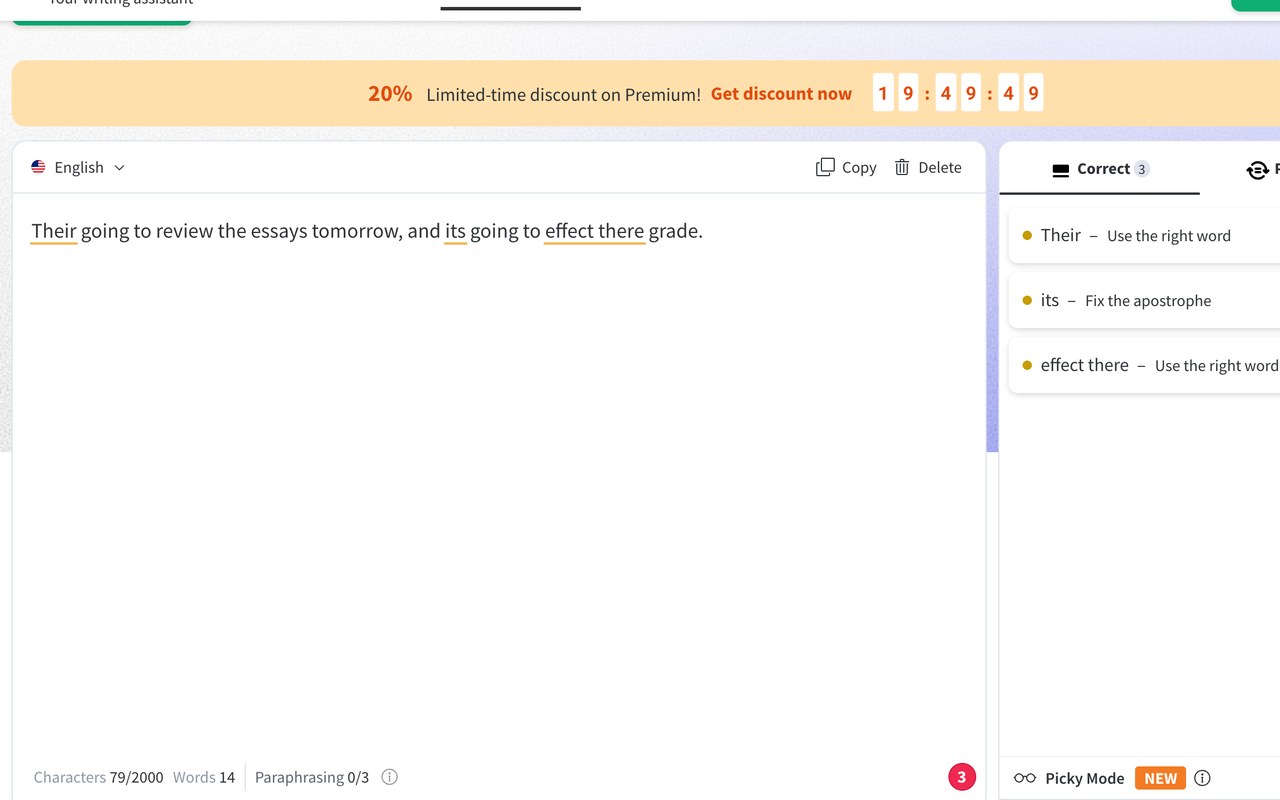
Grammar and punctuation checker for 30+ languages, in browser plus Word and Docs, free up to 10,000 characters a check.
- Free plan: checks spelling, grammar, punctuation and basic style in 30+ languages, with a limit of roughly 10,000 characters per check.
- Premium adds advanced style/'picky mode' suggestions, paraphrasing, and a much higher character limit (~100,000+; exact figure varies by source, so check their site).
- Premium runs ~$5/mo on longer plans; annual is a bit higher and month-to-month is much pricier (~$20-25/mo). A 20% limited-time discount and a 14-day money-back guarantee are currently shown, so check their site.
Semantic Scholar Best for finding academic papers
The non-profit Allen Institute for AI runs it completely free, with no paid tier and no signup required to search, and its TLDR feature gives one-sentence summaries across 236M+ papers.
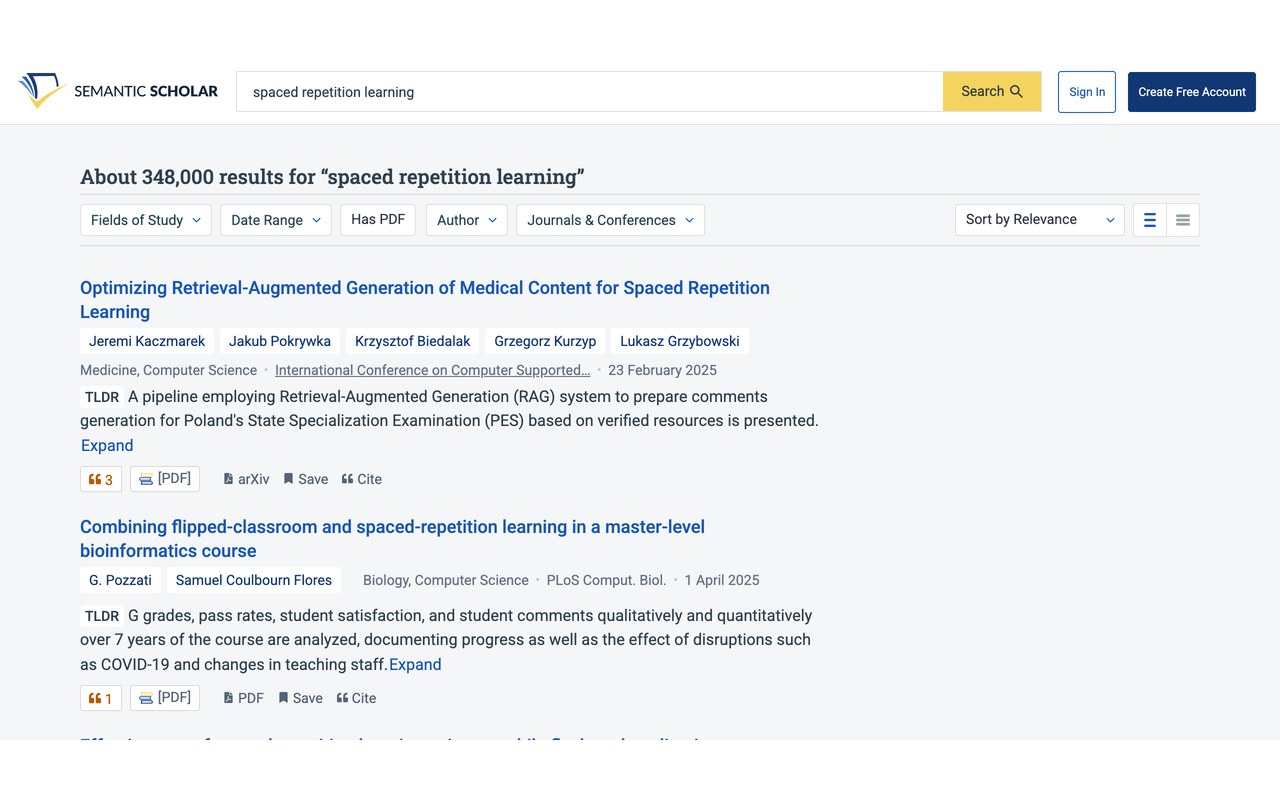
Academic paper search with one-sentence TLDR summaries across 236M+ papers, free with no paid tier and no signup
- Completely free with no paid tiers or paywalls; search 236M+ papers across all disciplines
- AI features: TLDR one-sentence summaries, Semantic Reader PDF viewer, Highly Influential Citations, and personalized research feeds
- Free developer REST API for paper, author, and citation data; optional free API key unlocks higher rate limits
Obsidian Best for a local-first knowledge base
The core app is completely free with no limits and no sign-up, storing notes as plain Markdown files on your own device with backlinks and a graph view, and students get 40% off the optional Sync and Publish add-ons.
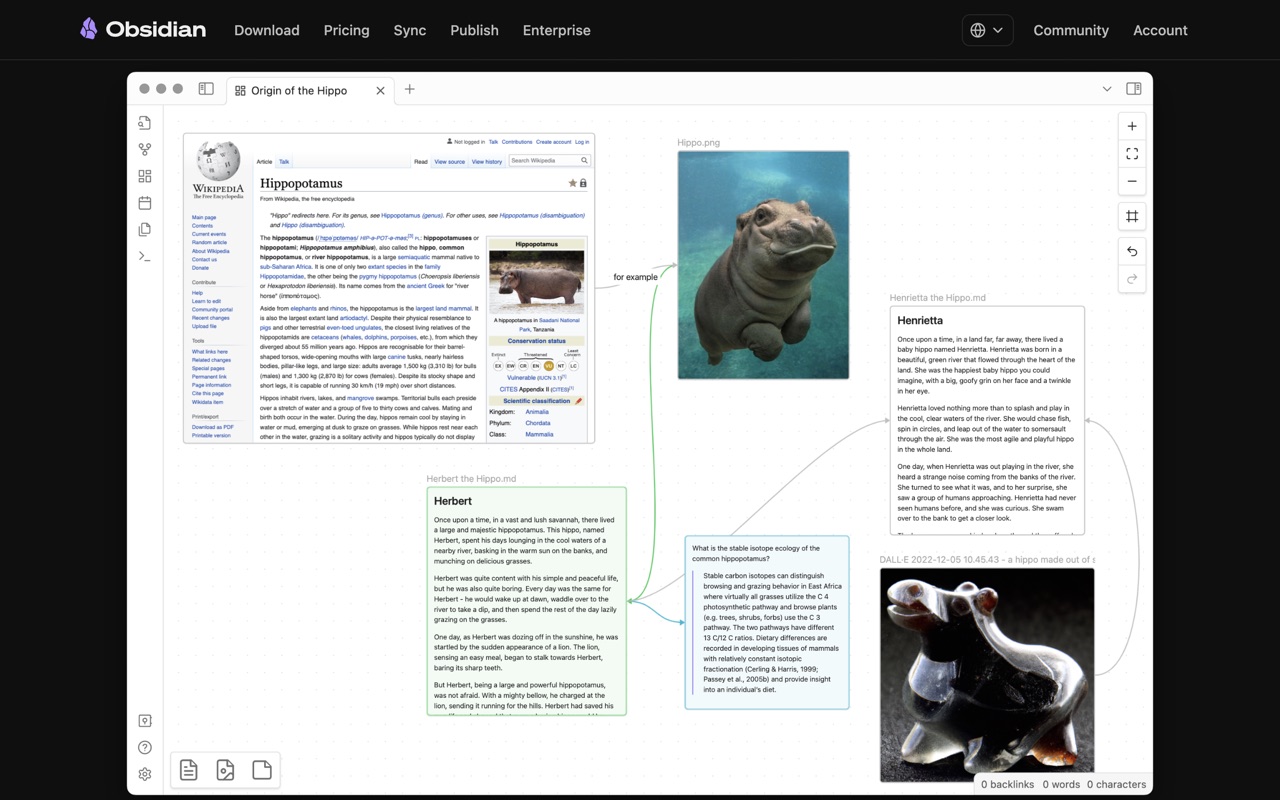
Markdown note app that stores files on your own device, with backlinks and a graph view, free; Sync from $4/mo.
- Core app is completely free with no limits: unlimited vaults, no sign-up required, works offline
- Includes graph view, Canvas, Bases, and thousands of community plugins at no cost
- Optional paid add-ons: Sync $4/mo annual ($5 monthly); Publish $8/mo annual ($10 monthly)
Microsoft Copilot Best for free AI chat and study help
Free Copilot Chat handles web-grounded writing, study, and coding questions plus Designer image generation with no student verification at all; free users get newer models off-peak and a fallback model at peak hours.
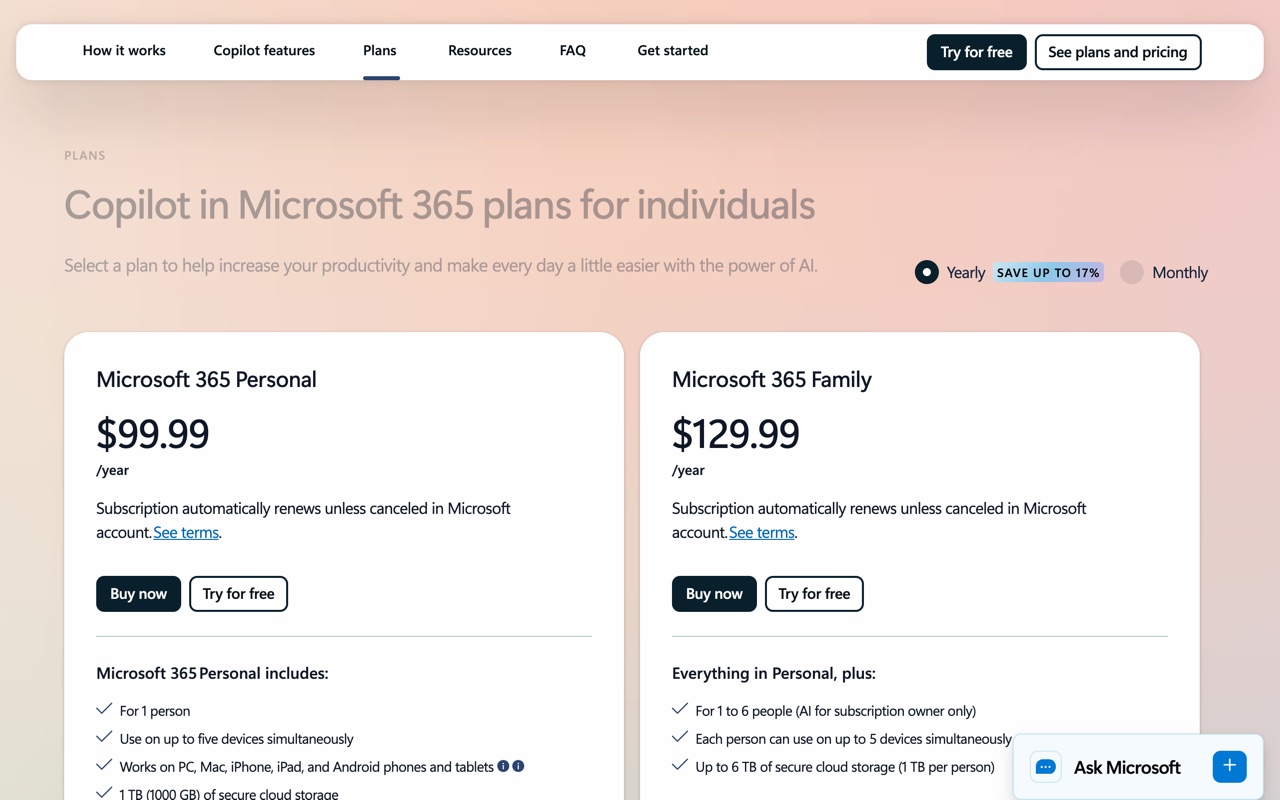
AI chat assistant built into Windows and Edge, free to chat; verified US students get a year of Microsoft 365 Personal.
- Free Copilot Chat: web-grounded conversations for writing, study, and coding help, plus image generation via Designer (~15 boosts before it slows; sources differ on daily vs. weekly - check their site)
- Free users get newer models off-peak but drop to a fallback model at peak hours
- Standalone Copilot Pro ($20/mo) retired to new users Oct 2025 (existing subs supported until Aug 1, 2026); consumer paid features now live in Microsoft 365 Premium at $19.99/mo (Copilot in Word/Excel/PowerPoint/Outlook + 6TB OneDrive)
Bolt.new Best for building web apps from a prompt
Its free tier gives 1M tokens a month with a 300K daily cap, website hosting, and unlimited databases, with no credit card required.
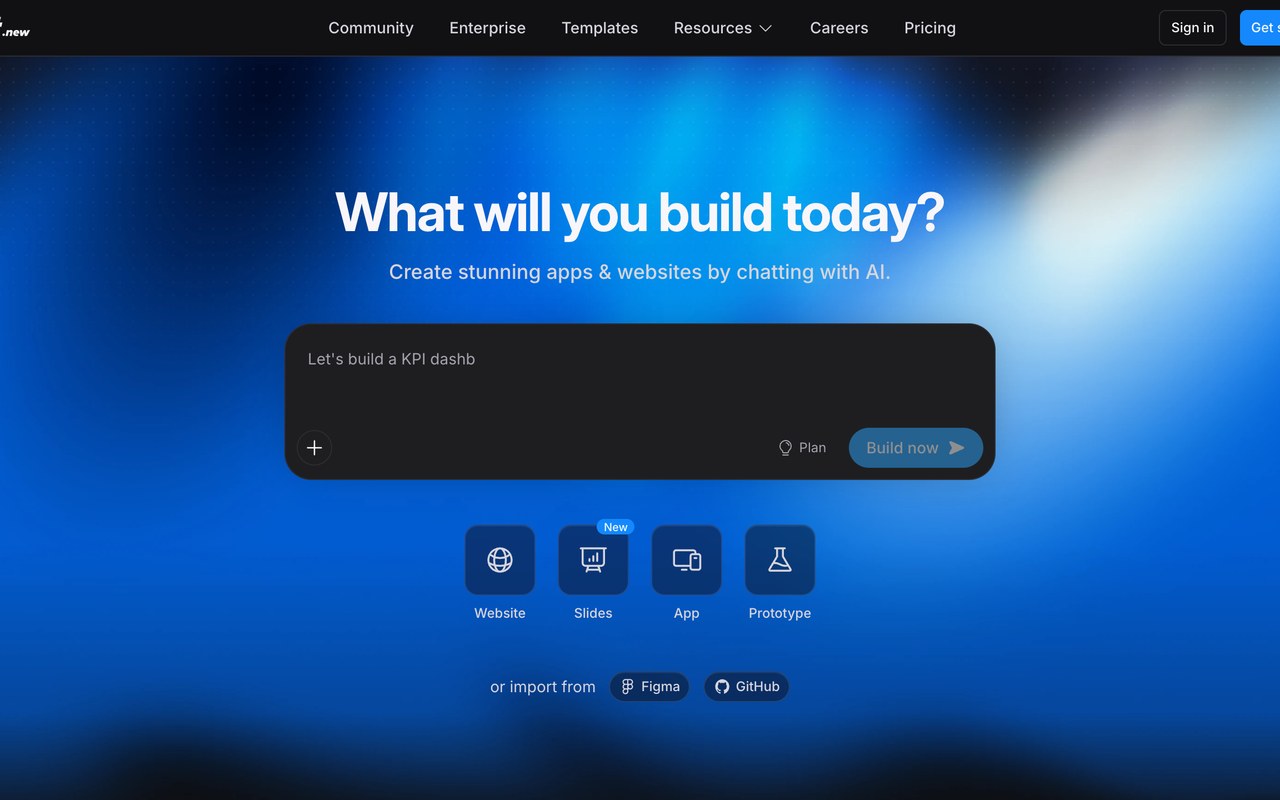
Chat-to-web-app builder that handles hosting and databases; free tier gives 1M tokens a month, no card.
- Free tier: $0, 1M tokens/month with a 300K daily cap, no credit card; includes public/private projects, website hosting, and unlimited databases
- Pro $25/mo (10M tokens/month with rollover, custom domains, removes Bolt branding); Teams $30/member/mo
- Free tokens do not roll over and reset at the start of each month
Windsurf Best for unlimited code autocomplete
The free tier includes unlimited Tab autocomplete and inline edits that never touch a quota, plus unlimited use of the fast SWE-1.6 model, with a light daily agent quota on top.
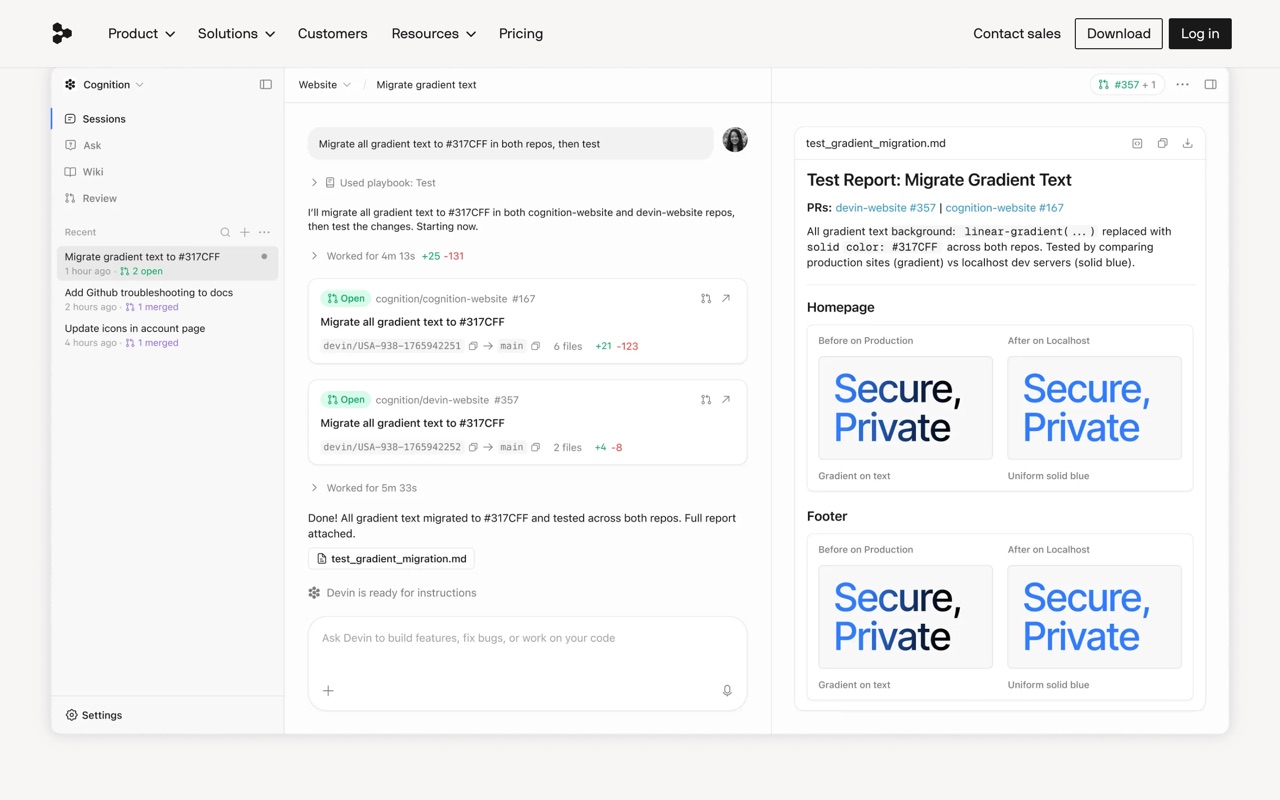
AI coding editor with built-in agents; the free tier gives unlimited Tab autocomplete plus a daily agent quota.
- Free tier: unlimited Tab autocomplete and inline edits that don't touch quota, plus unlimited use of the fast SWE-1.6 model
- Free tier also includes a light daily agent/chat quota with limited model access (roughly a couple days of active agentic coding before it runs dry)
- Paid: Pro $20/mo, Max $200/mo (pricing moved to daily/weekly quotas in March 2026 - check their site)
The rest of the catalog
Those are the 10 picks for this list. The full catalog runs to 68 deals across coding, writing, research, studying, design, and productivity.